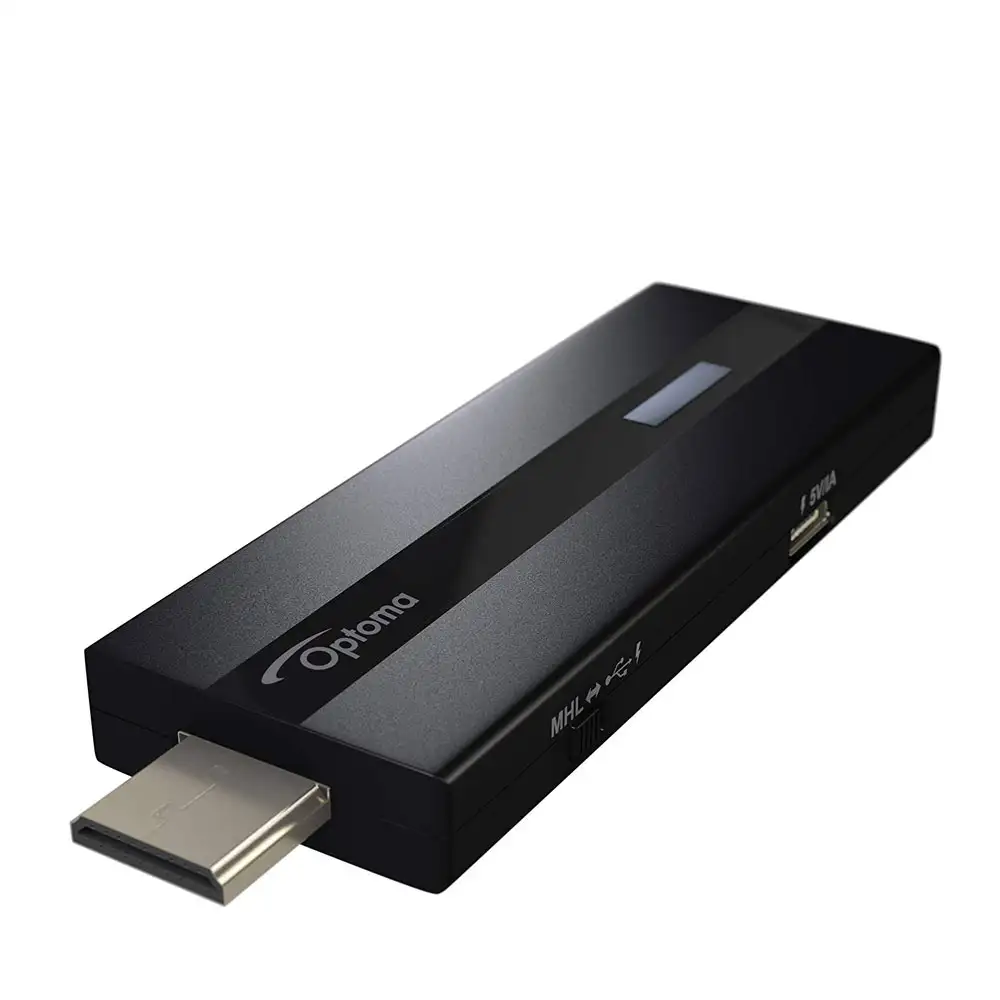
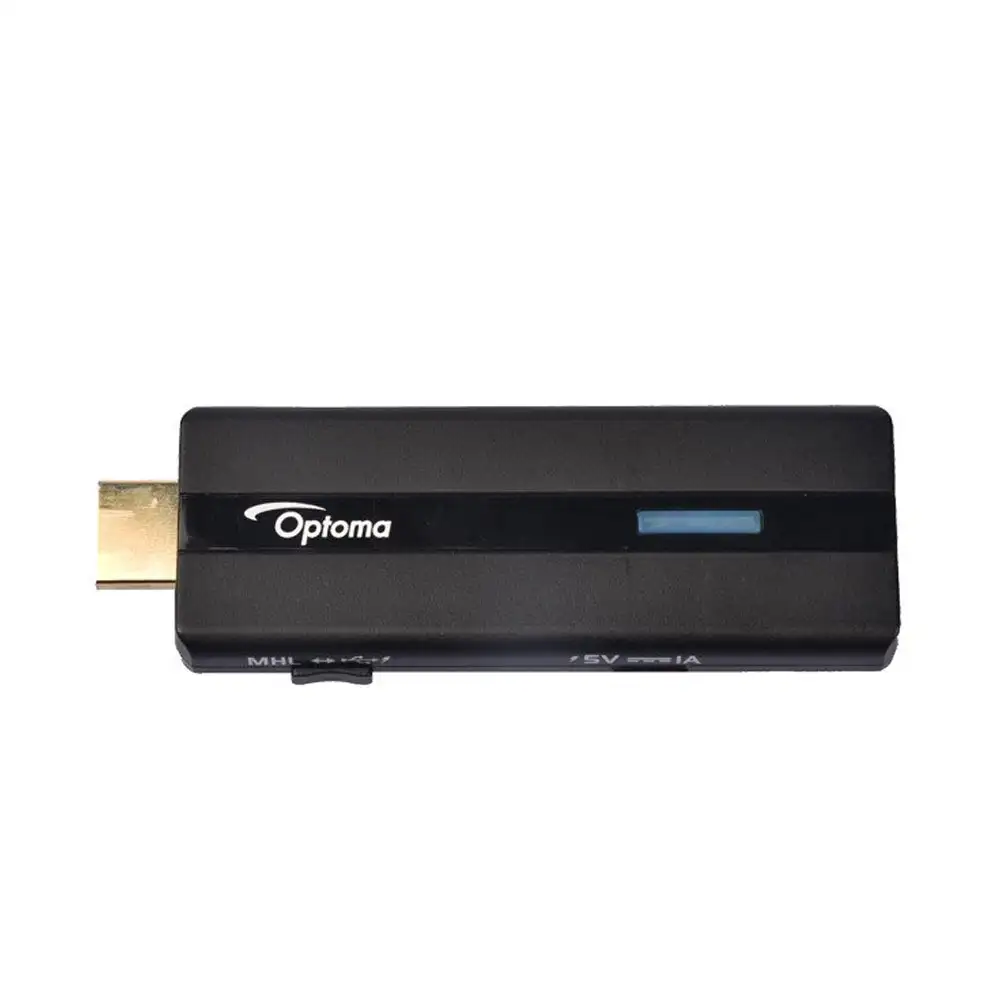
HDCast Pro is a powerful and versatile 1080p HDMI MHL enabled multimedia stick for business, education, and home use. HDCast Pro is capable of screen mirroring via Miracast and Airplay on iOS, Android, Mac OS X, and Windows devices. Screen mirroring duplicates the entire screen and displays for everyone in the room to view. Screen mirroring is perfect for sharing CRM data with colleagues and clients, delivering a lesson to students on the significance of water on Mars, watching Game of Thrones on Netflix with family, or sharing vacation photos with friends. HDCast Pro is lightweight and portable, easily fitting into the side pocket of a backpack or front pants pocket enabling digital media content, documents, and presentations to be shown anywhere, anytime. The HDCast Pro Application delivers the freedom to PlayTo, Push and Cast music, pictures and videos from any smartphone, laptop, tablet or computer directly to Optoma projectors or any HDMI enabled HDTV. HDCast Pro supports a large variety of digital media formats with everything from MKV and MOV video files to MP3 and FLAC HD audio files to JPEG and BMP image files. Need to share a cute cat video or new movie trailer on YouTube? With HDCast Pro's Web Browser and Cloud Video portal watching videos from YouTube and Vimeo is simple and fast. Use the included Document Viewer to effortlessly share Word documents, Excel documents, and PowerPoint presentations or utilize HDCast Pro's Cloud Storage to access documents, presentations and audio video files. The Document Viewers Live Draw allows any presenter to make annotations to any document for everyone in the room to see. 4-Way split screen presentation mode enables the moderator to allow 3 participants to mirror or cast content from their Android, iOS or Windows devices directly to one of 3 available quadrants. This feature is great for meetings, training sessions, and classroom lessons where more than one participant may need to show content to those in attendance.
Features:
Optoma HDCast Pro HDMI Wireless Dongle Overview
Add wireless streaming capability to your projector or display with the Optoma HDCast Pro Multimedia Streaming Device. It allows you to present wirelessly from your compatible Android, iOS, Windows, or Mac device and supports a variety of video, audio, image , and document formats. The HDCast Pro connects to your display device via HDMI and is powered either via HDMI-MHL or via an optional USB power adapter. An HDMI extender and USB cable are included.
Mirror the Screen of Your Mobile Device
You can mirror the entire screen of your Android 4.x, Android 5.x, Windows 7, Windows 8.1, Windows 10, iOS 7.0.2, iOS 8.x, iOS 9.x, and Mac OS 10.10.x devices using the HDCast Pro app.
Digital Media Sharing
Stream music, pictures, and videos from your compatible Android, iOS, Mac OS X, or Windows device to the HDCast Pro using the HDCast Pro app or any DLNA/UPnP & Airplay-compatible app or device. Video can be streamed from popular sites such as YouTube, Vimeo, Hulu, and more.
Android and iOS Cloud Storage Support
Access your digitally stored files from Amazon Cloud, Box, Google Drive, or OneDrive via your Android 4.4.x (or higher) or iOS 7.0.x (or higher) device.
Broadcast from Your Device’s Cameras
Display a live camera stream from either of your device’s built-in cameras.
Full HD 1080p Resolution
1080p resolution provides detailed images from compatible content without downscaling or compression, making the HDCast Pro suitable for watching movies or viewing photos or documents.
MHL or USB Power
Connect the HDCast Pro directly to an MHL-enabled projector or display, or to an HDMI port and power it via the USB power port on your projector or display, or use an external USB power adapter.
Video & Audio Streaming, Photo and Document Viewing, & Laptop Mirroring
Stream video, audio, photos, or documents directly from your compatible mobile device, or mirror your laptop’s screen, eliminating the need for long cable runs.
HDMirror and HDAir
Since the HDCast Pro is compatible with Miracast and AirPlay, you can wirelessly mirror your compatible Android, Mac, or iOS device directly on the screen.
DLNA
Display content stored on your home network on a projector or display device.
Built-In Web Browser
Browse the Internet on the big screen.
Annotations
Draw and annotate on the projected image from your mobile device. Grab your audience’s attention with multiple colors, either freehand or using the tools provided to highlight key points.
4:1 Split Screen
Simultaneously present from up to four devices for sharing ideas during a meeting.